Answer: Always shutdown coLinux by issuing the command "shutdown -h now"or by selecting Send Ctrl-Alt-Del from the monitor tab on the coLinux console. Never shutdown by simply quitting or closing the console. This can damage the coLinux file system.
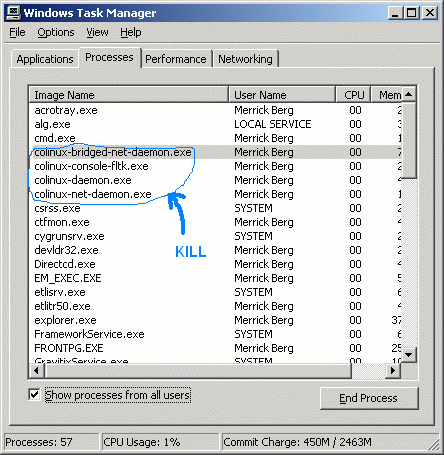
In the event you've shutdown incorrectly, and coLinux won't restart. Bring up the Windows task manager, terminate any orphaned coLinux processes still running and then try starting up again.