Configuration
- Start the VMware Player you downloaded and installed earlier. Navigate
to the fedora folder created during extraction of the VMware appliance and
select the file "fedora-core6-i386.vmx".
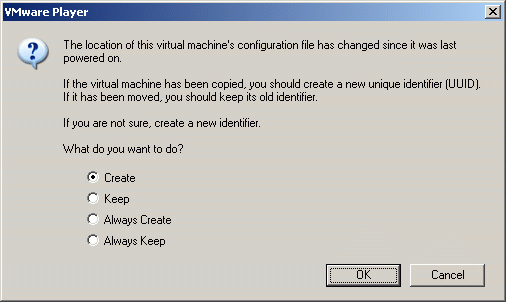
- If prompted, select the option to create a new identifier:
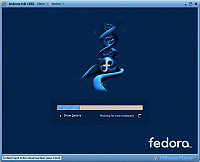
- These are some of the screens you will see during boot-up:
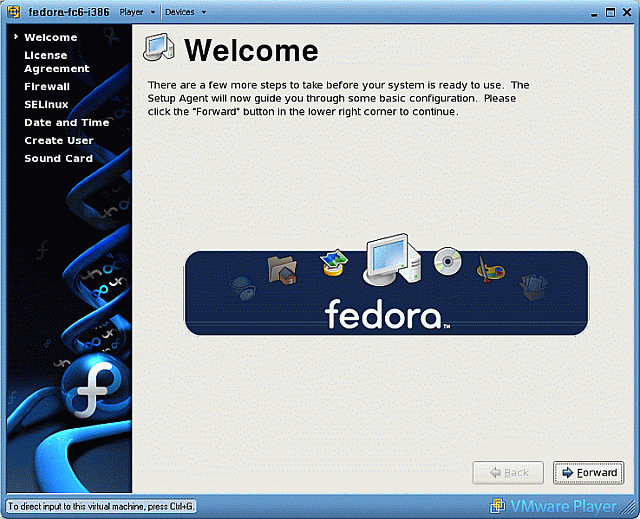
- Some basic configuration steps are necessary the first time you boot:
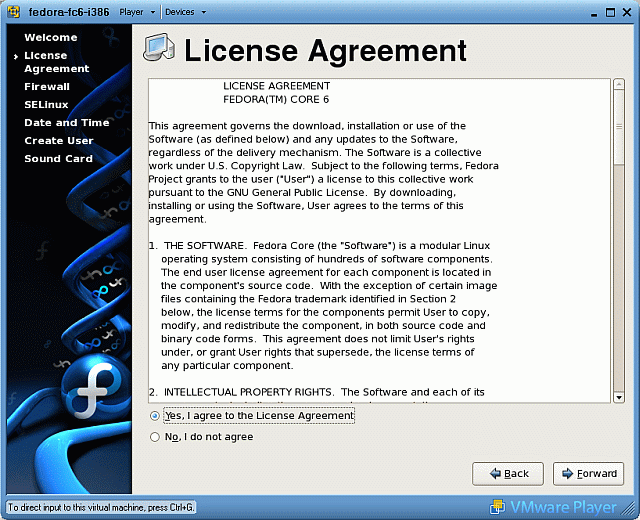
- Accept the license agreement:
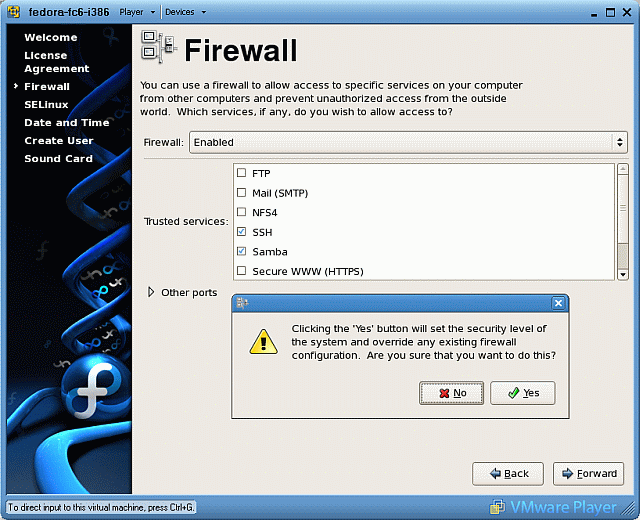
- Place check marks next to both the SSH and Samba services.
Select Yes to override the existing firewall configuration:
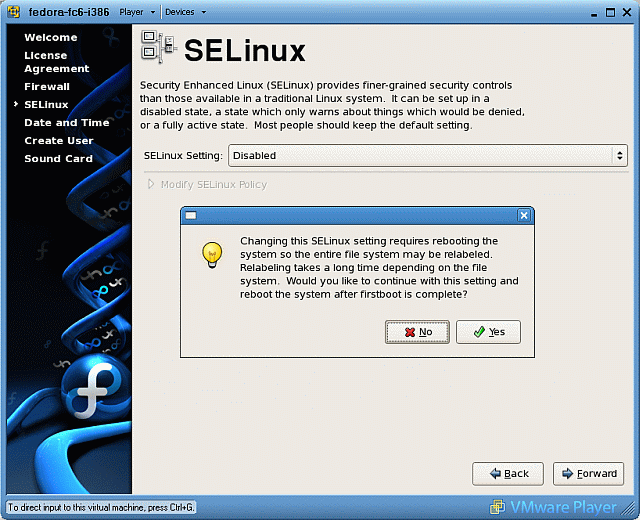
- Disable the SELinux security settings. You can turn it on later, if
necessary, using the system-config-security command.
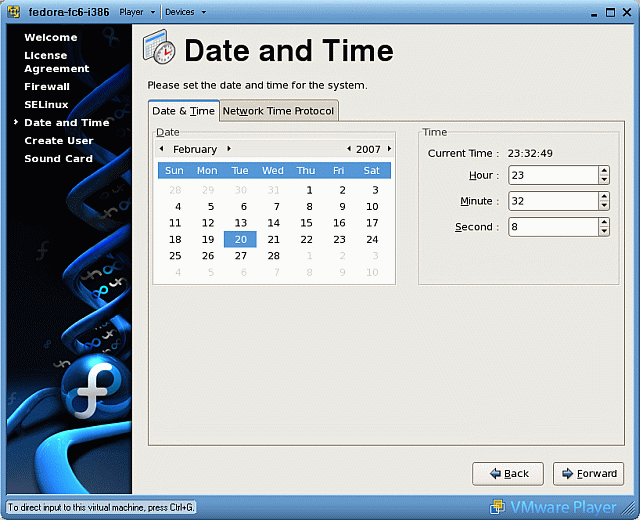
- Verify the date and time are correct.
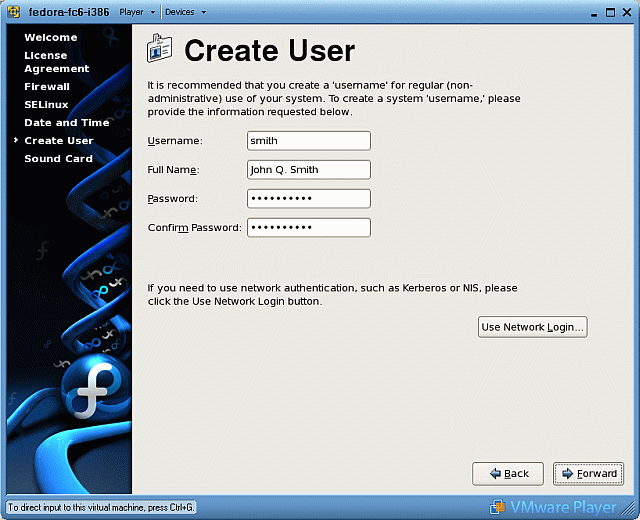
- Create your own user account:
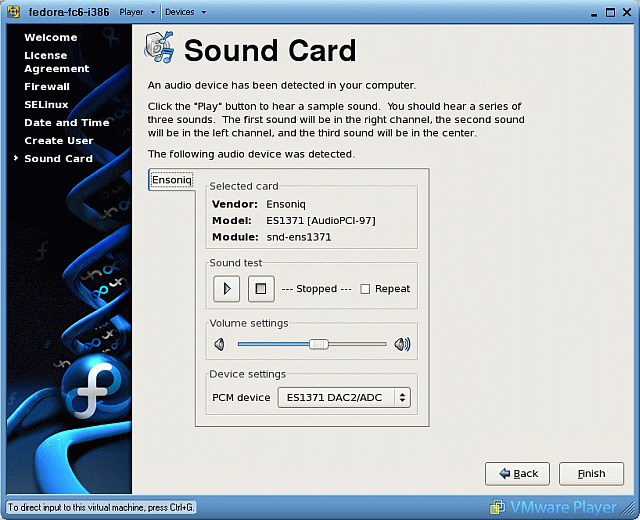
- Sound is not needed for our purposes. Click Finish and allow the
system to reboot: